ultratrak's support instructions
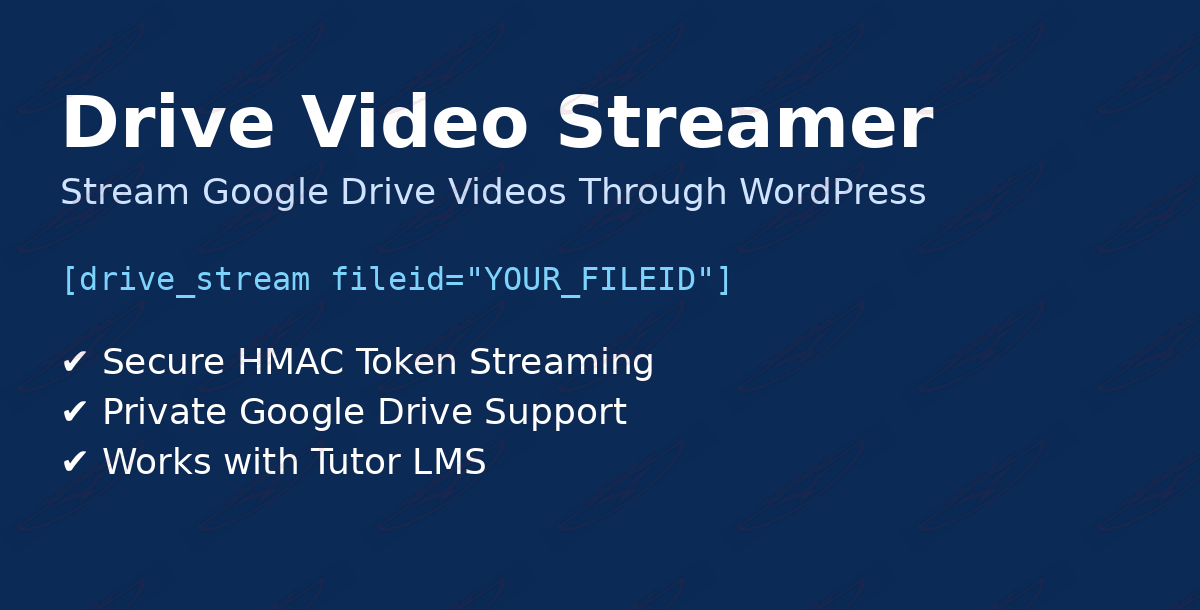
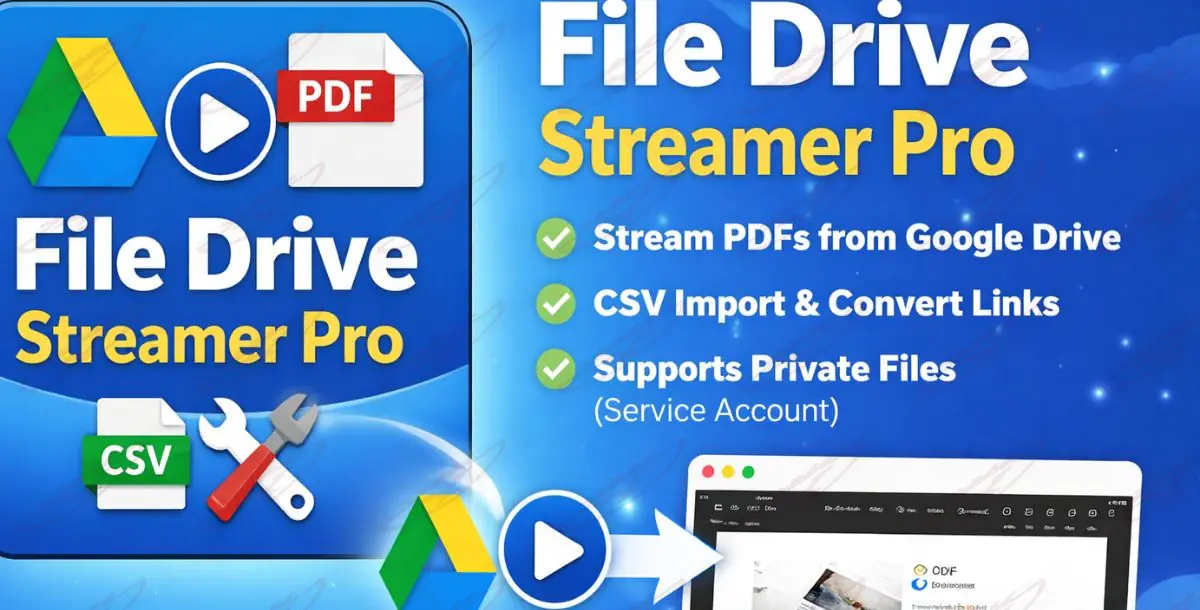
Support for this item is provided in accordance with the Yousuccess item support policy. Assistance covers installation, activation, configuration, and correct usage of the Drive Video Streamer plugin as described on the item page and in the documentation. This includes help setting up Google Drive access, configuring Service Accounts for private files, using the shortcode, and resolving issues related to secure video streaming and short-lived token generation.
Covered support also includes bug reports related to the plugin’s core functionality and compatibility issues with supported versions of WordPress, Tutor LMS, and PHP. We will help identify and troubleshoot problems that stem from the plugin itself when run in a standard, supported environment.
Excluded from support are custom feature development and code modifications, server-specific performance optimization, and bespoke workflow changes. We do not cover problems caused by third-party plugins or themes, hosting or server environment limitations, Google API quota restrictions, misconfigured Google Service Accounts, or general WordPress/LMS training.
Before requesting support, please ensure your site meets the stated WordPress and PHP requirements, the plugin is updated to the latest version, and the Google Drive API is enabled and configured. Temporarily disable other plugins to rule out conflicts, enable WP_DEBUG, and review any generated error logs — these steps will speed up diagnosis.
When contacting support, include your WordPress version, PHP version, plugin version, the LMS you’re using (for example, Tutor LMS), and whether files are public or private. Provide clear steps to reproduce the issue and attach any relevant screenshots, error messages, or log excerpts. Supplying this information up front helps us resolve your issue faster and more accurately.